|
|
Review of Amazon Kindle (2011)
Contents:
- In the box
- Design and Construction
- Screen
- Controls
- Memory
- Power
- Menu and Functions
- Conclusions
In the box:
- Book
- USB cable
- User Guide
The book is small and competitively priced, but new Kindle proves that not everything cheap is bad. Design, paper and controls are top notch. There are other positives as well.
Design and Construction
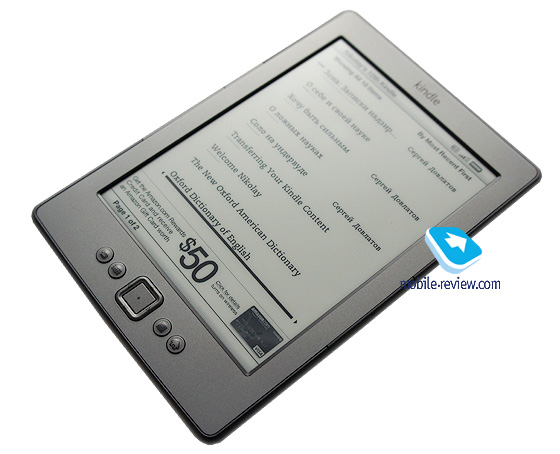
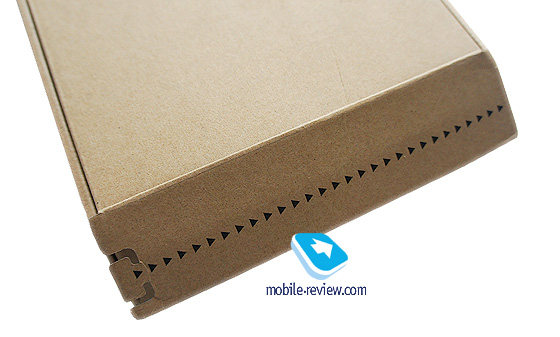
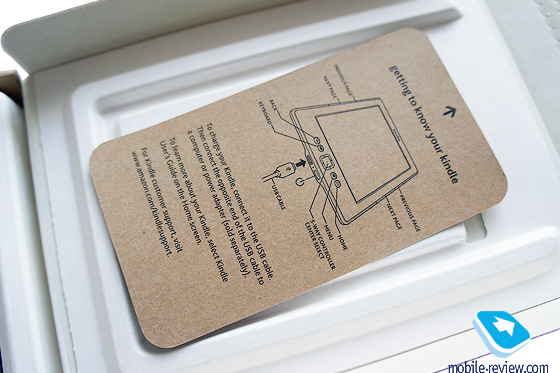
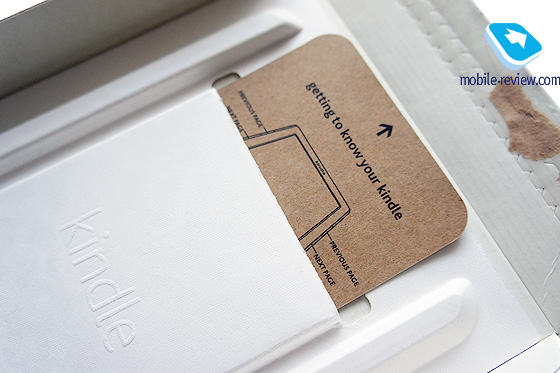
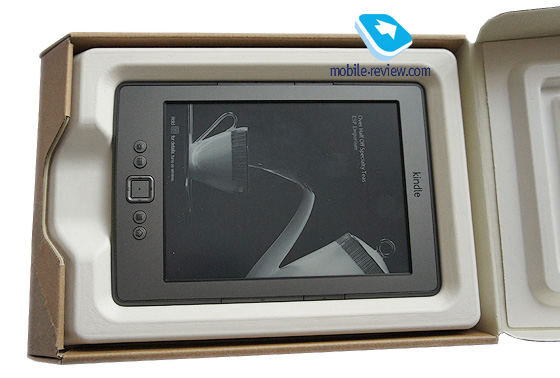
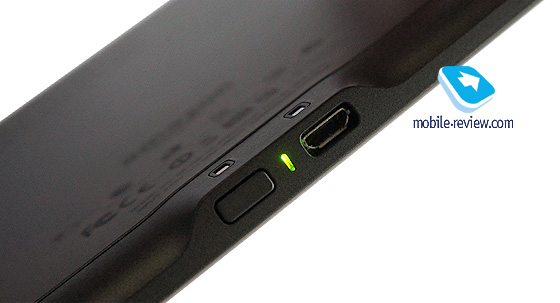
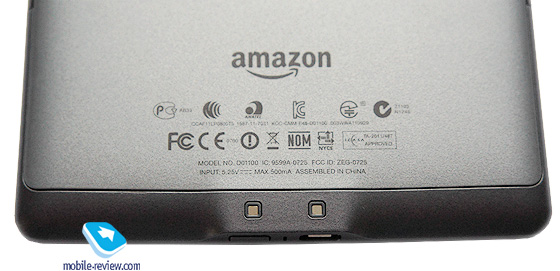
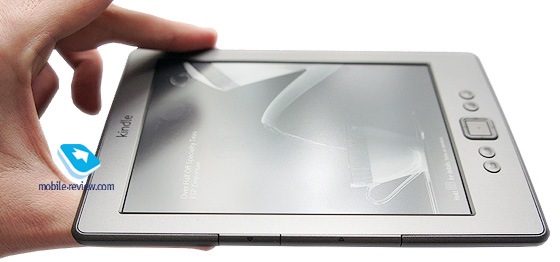
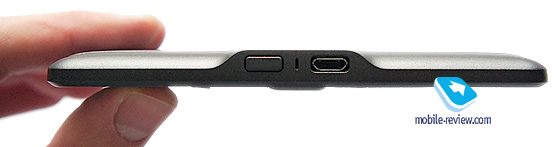
The book is offered in a small box of rough carton, which looks intentionally inexpensive, but is stylish in its own way. The kit is minimalistic: a book, cable and User Guide. The first feature attracting attention is a compact size of 166 x 114 x 8.7 mm with the weight of 170 g. The book easily fits an outwear clothing pocket and I even succeeded in squeezing Kindle in a jacket’s pocket. The majority of people will carry it in a bag though. Materials are impressive. We have dark grey plastic of different shades and the cover looks almost rubberlike. It is convenient to hold in one hand. At the bottom there is an uncapped microUSB jack with unknown contacts slightly higher. The latter should fit some accessory, but I could not understand which one. On the official website you can choose from cases, adaptors or attachable lamps, but I did not see there a dock station or anything similar. Feel free to correct my mistake if you can.

Near the microUSB jack we see a light indicator, which is activated when a cable is connected to the computer.
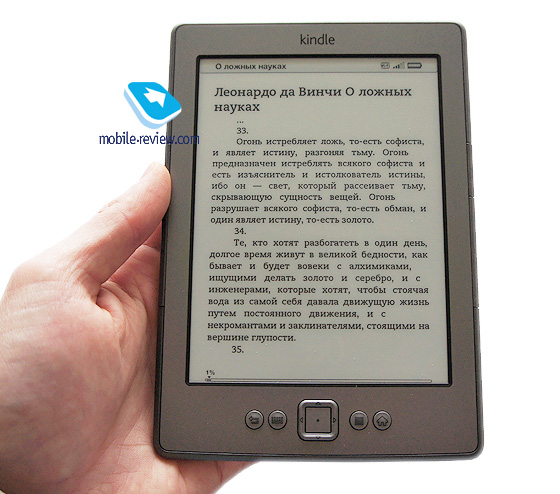
The screen is sunk in the body a bit, though it did not interfere with cleaning. I think you do not need a film here. During the use I realized that the screen is not prone to soiling. You cannot see fingerprints well. The entire body of Kindle stayed clean and looked almost new after all my testing.
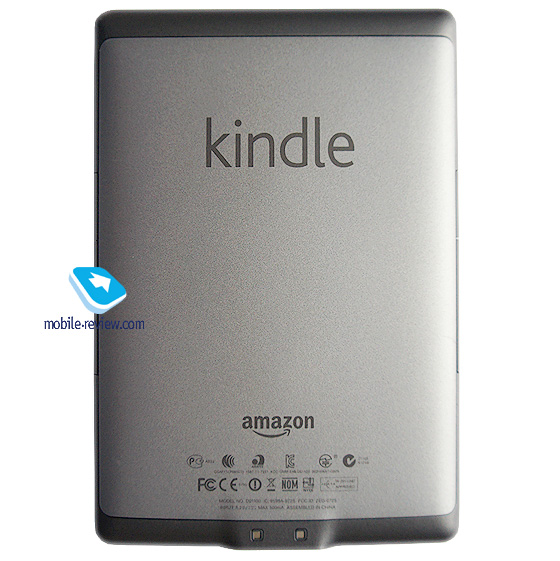
In comparison with rival models, especially in the budget segment, where Kindle plays, the model stands out like a UFO from the range of ancient air planes. In the US there is a strong design tradition obvious in cars, gadgets or even clothes when products look very simple, but all minor details are thought through. You cannot buy a better book for $80, which is its US price.
Back to the table of contents >>>
Screen
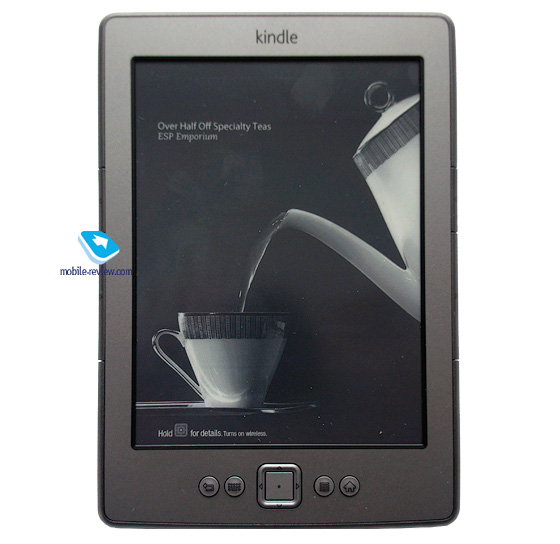
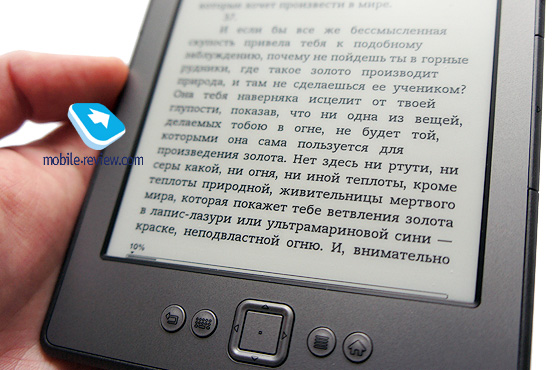
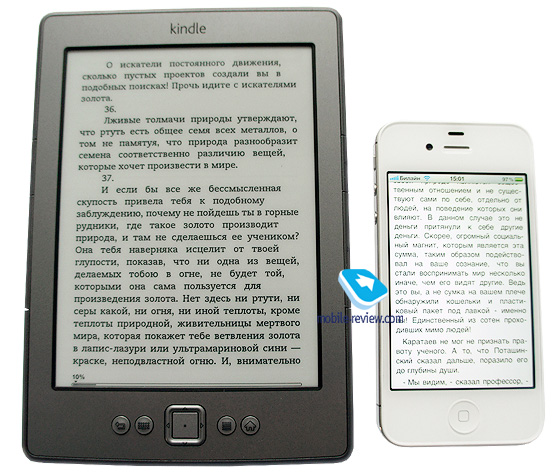
A 6″ screen has a resolution of 600 х 800 and offers E-Ink Pearl among other things. The paper is good, fonts are nice and you can use dictionaries and other accessories from the box. The initial set-up is simple: select a language, connect to a WiFi network, register at Amazon and start reading. You can obviously download your own books in the .mobi format.
Back to the table of contents >>>
Controls
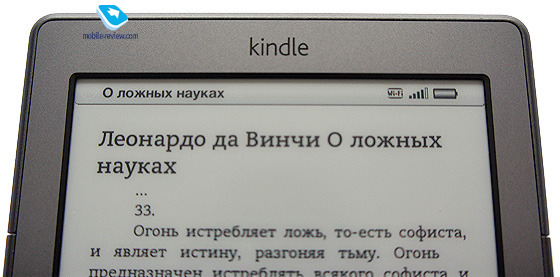
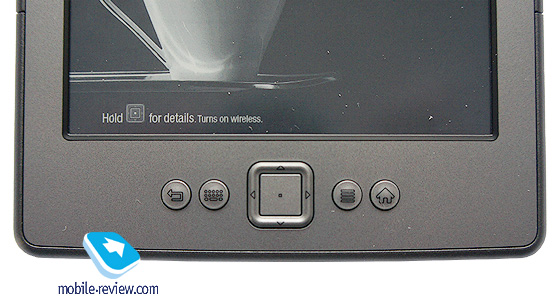
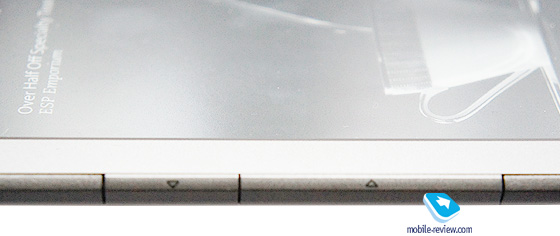
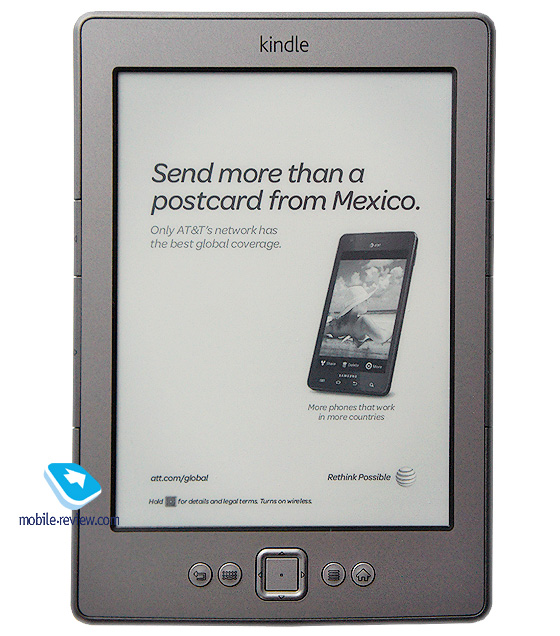
Under the screen there is a small 5-position joystick, which is convenient nonetheless. On the left are located keyboard activation buttons and keys for going one item back, whereas the right side hosts Menu, Home and return to the home screen buttons. The top side of the screen displays a Kindle logo and the name of the owner, who activated the device. This personalization resembles a personal library stamp. The top right hand corner boasts battery and WiFi indicators. To the right and to the left are located narrow browsing buttons. Several buttons are added for convenience as you can hold the book in any hand without much impact on the controls. There are no issues with holding Kindle in hands and browsing pages.
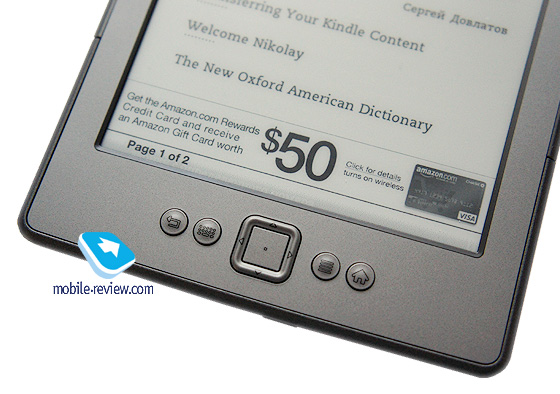
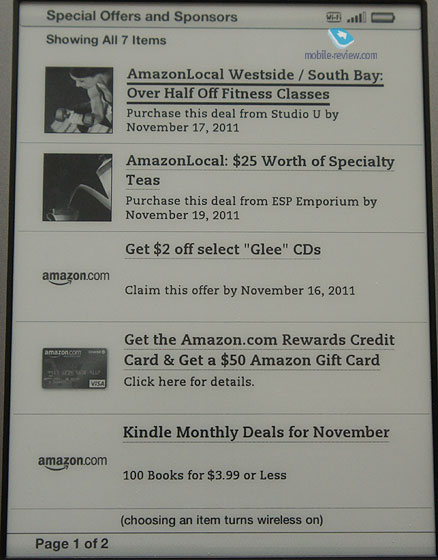
At the bottom there is a compact on/off button. When the book is in the sleep mode you can watch ads. The US price is lower due to advertising options, because in Europe the model fetches around $100. I tested the US model with ads in the main menu and wallpapers and was not irritated by the barrage of advertisements as I treated them as a slight background noise. The idea is good especially in the US, where the model already has many millions of customers.
Back to the table of contents >>>
Memory
Users can get access to around 1.25 GB of inbuilt memory, while there is no memory card slot as far as the majority of people can do away with the amount of memory three times lower than that. After all e-books do not take much space.
Back to the table of contents >>>
Power
Charging via the USB port takes around three hours and the manufacturer claims that the operation time with the WiFi off is one month. If you are connected to the Internet this way then you will enjoy only three weeks of operation. If you are not planning to use Amazon store or browser disable WiFi straightaway to achieve even longer operation time. The charge is good enough for a long trip anyway, but try and get hold of an adapter.
Back to the table of contents >>>
Menu and Functions
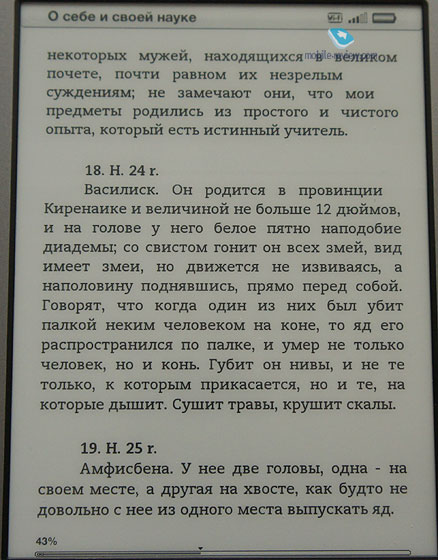
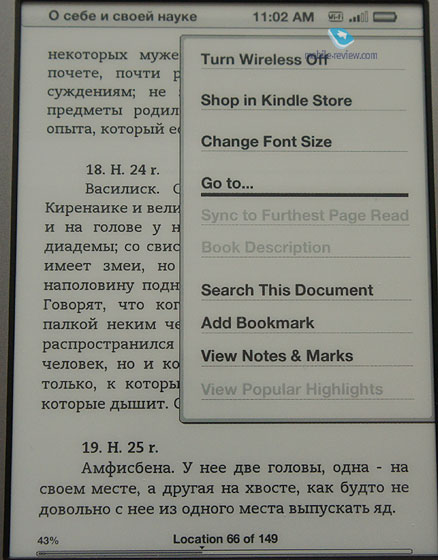
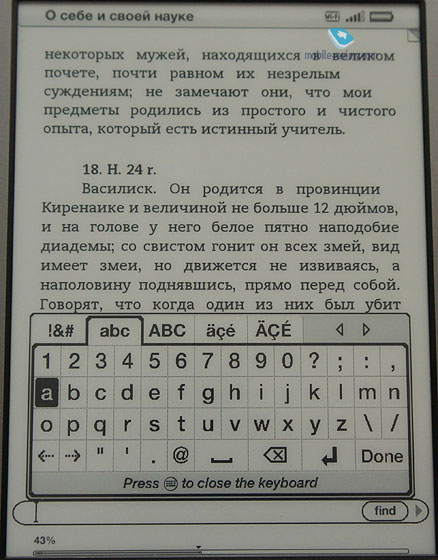
Kindle is very well optimized to purchase books in Amazon.com store, browse new releases, book lists and enjoy other advantages of the system. If you don’t care then you will need books in the .mobi format, which can be found online and work with Kindle well. Connect the book and move the files to the Documents folder. The main page shows the list of all books, while new editions are labeled as New. The app remembers where you exited a particular book. Covers are displayed, but books from the official store look better and you can easily use the contents and links among other things. “Home made” books are different. In a book menu you can disable WiFi, go to the Kindle store, change the fonts, go to a particular pages, use search and bookmarks or write notes with the help of a keyboard. It is difficult to use without the touchscreen.
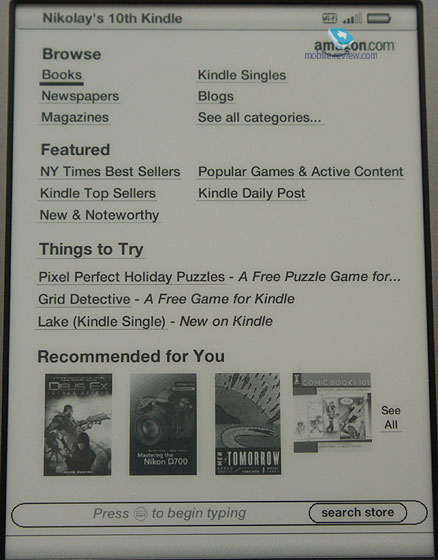
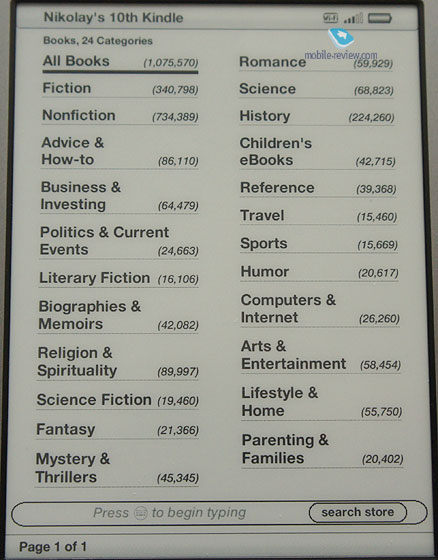
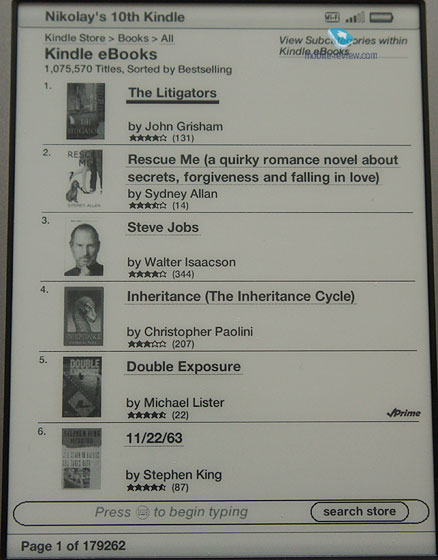
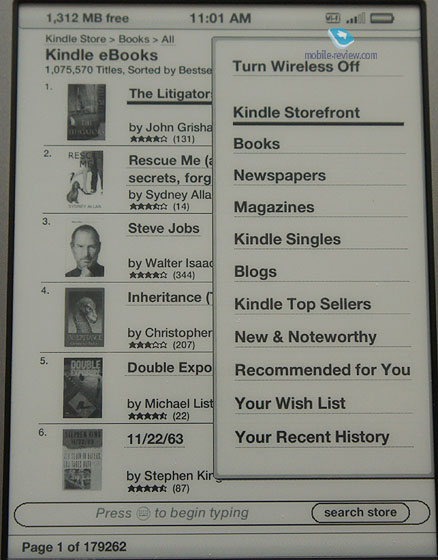
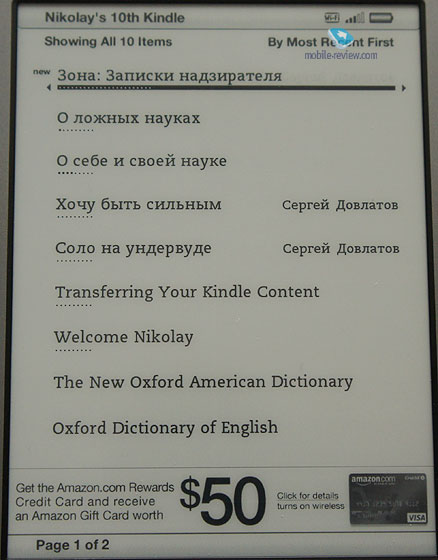
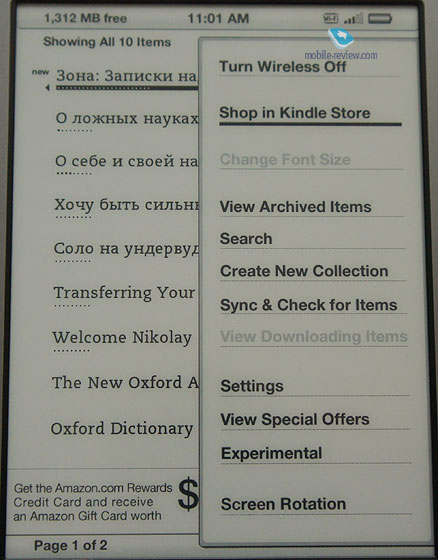
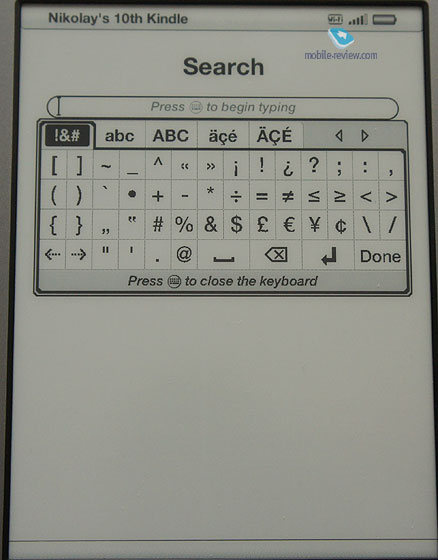
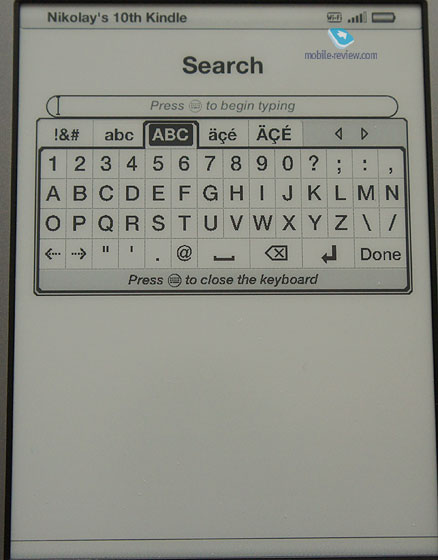
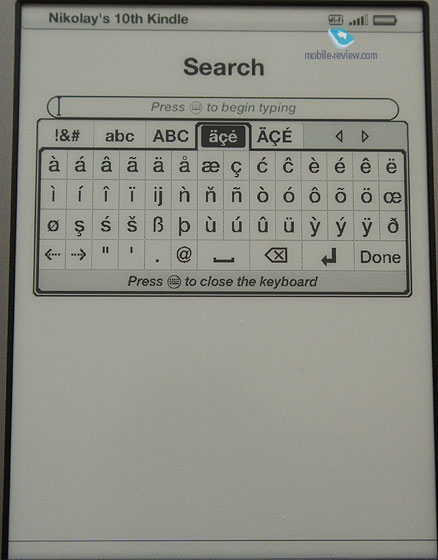
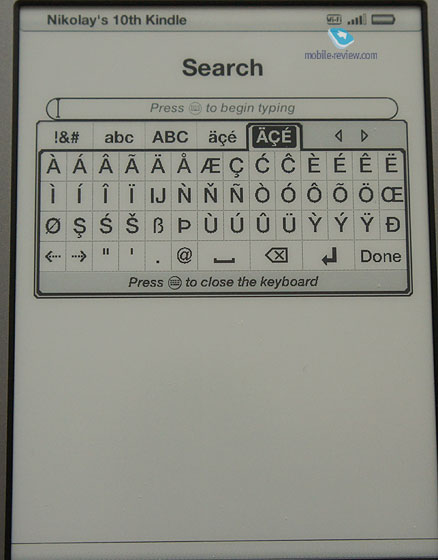
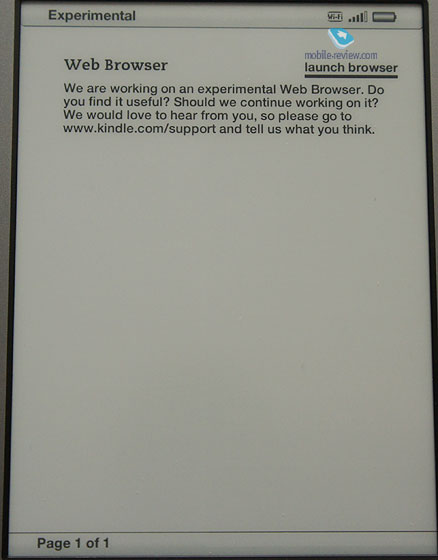
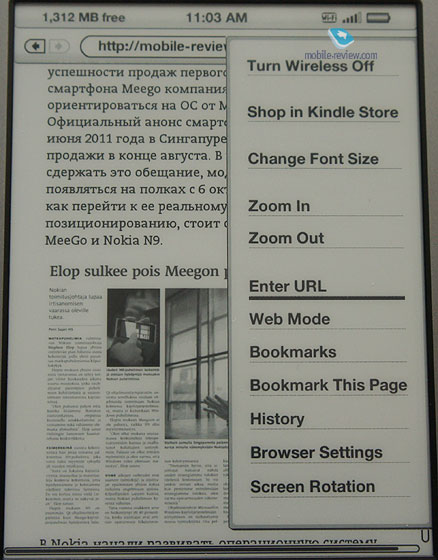
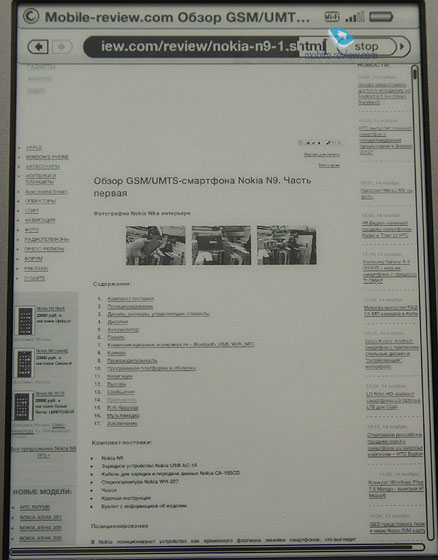
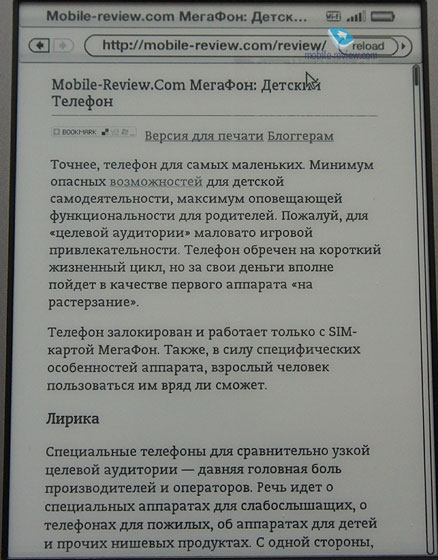
Menu on the home screen has particular features. The browser is a new addition for the Kindle, though it was extensively used in rival models. The browser handles pages well. You can use scaling, so I tried it with Mobile-review.com and everything worked well. The browser is so good that I can recommend it to those who would like to use Kindle as a tablet and not only as an e-reader. Bookmarks are supported, you can alter the screen orientation and the same applies to reading. Article Mode turns the page into the formatted text automatically fitted to the screen. The browser is one of the best I saw in e-books. Finally, remember that the price of the model is very attractive.
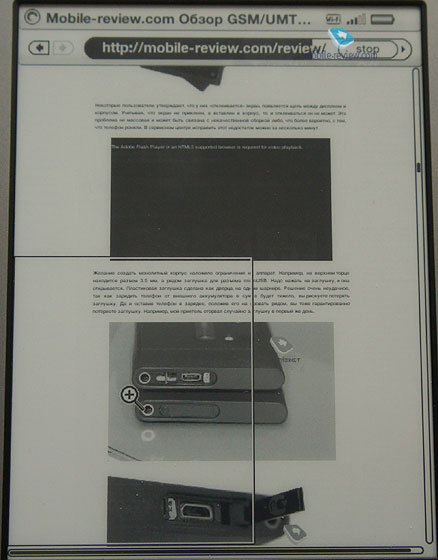
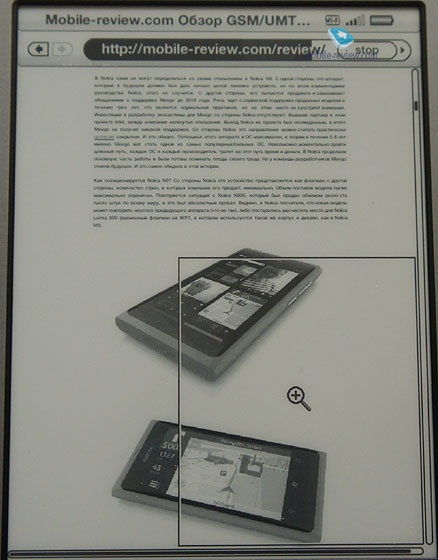
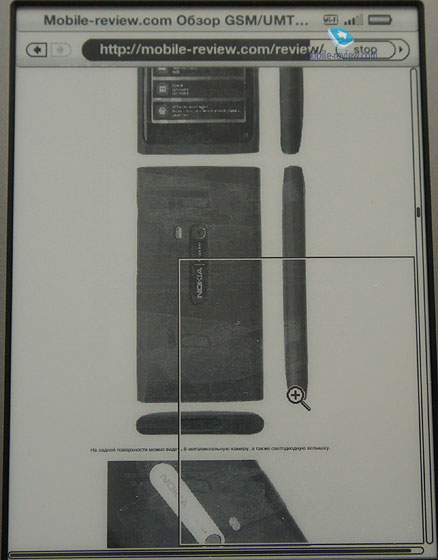
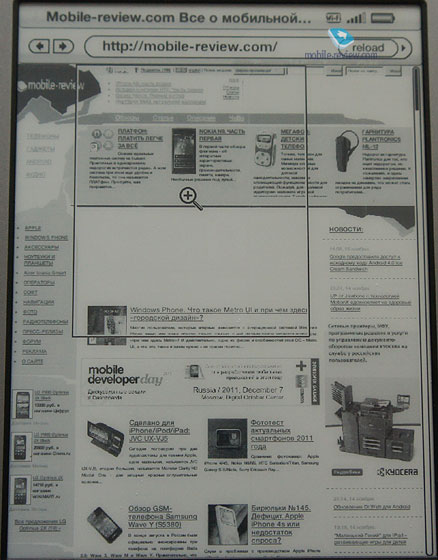
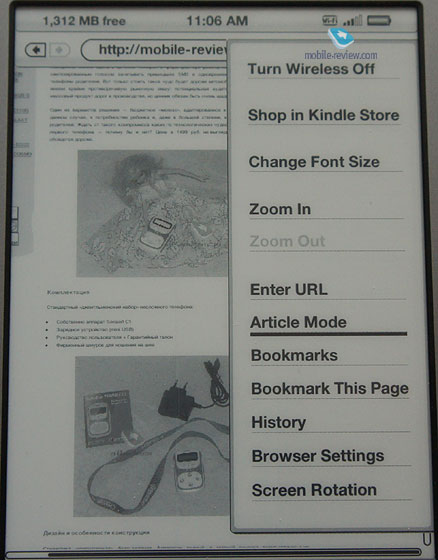
Apart from MOBI other formats are also supported: Kindle (AZW), TXT, PDF, PRC, HTML, DOC, DOCX, JPEG, GIF, PNG and BMP. I am not sure that many will use Kindle to view photos. Office DOC and DOCX files are dealt with in the following way: a DOC file I created in Pages was not detected and the same happened with a Word file.
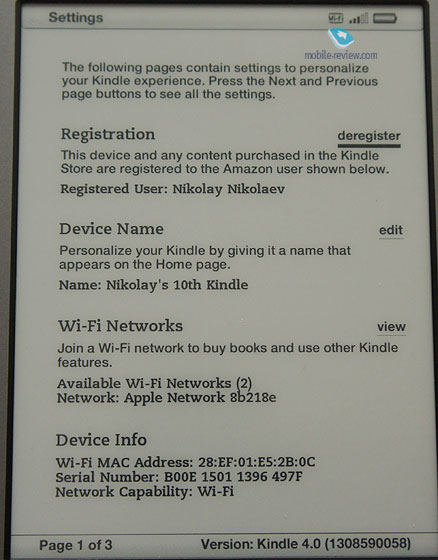
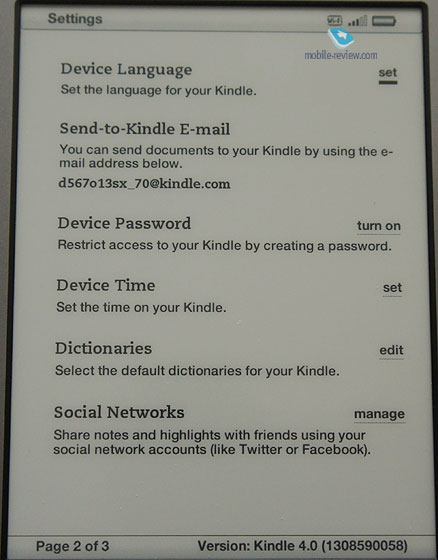
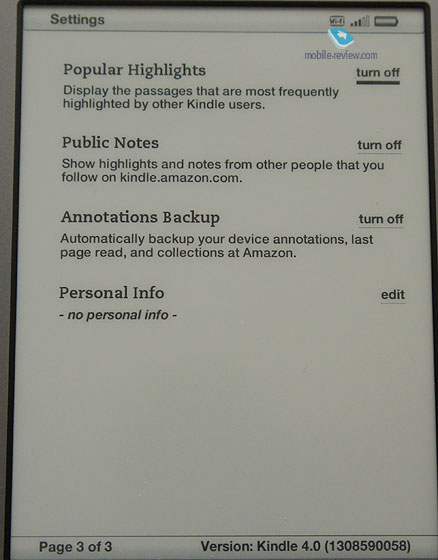
In settings you can change registration data or name, select WiFi, learn more about the book or select the language. You can even send documents to the book via a special email address. In my case it was d567o13sx@kindle.com. We should also mention a password for the device, time, dictionaries, social features, and notes for Twitter and Facebook together with personal information. Kindle has very distinctive settings, which are different from traditional ones associated predominantly with hardware.
Back to the table of contents >>>
Conclusions
First I will mention the advantages:
- Design, materials, dimensions
- Low price, especially in the US
- Good paper
- Convenient controls
- Wonderful browser
- Impressive operation time
- Simple menu
On the downside we have:
- The book is geared towards the Internet store, which brings several limitations, predominantly in formats
- Someone may not enjoy the ads
In any case for $100 Amazon offers us an excellent solution, which I can easily recommend if you are not put off by issues with formats.
Do you want to talk about this? Please, go to our Forum and let your opinion to be known to the author and everybody else.
Sergei Kuzmin (skuzmin@mobile-review.com)
 Twitter Twitter
 Livejournal Livejournal
Translated by Maxim Antonenko (maxantonenko@ukr.net)
Published — 17 November 2011
Have something to add?! Write us... eldar@mobile-review.com
|
News:
[ 31-07 16:21 ]Sir Jony Ive: Apple Isn't In It For The Money
[ 31-07 13:34 ]Video: Nokia Designer Interviews
[ 31-07 13:10 ]RIM To Layoff 3,000 More Employees
[ 30-07 20:59 ]Video: iPhone 5 Housing Shown Off
[ 30-07 19:12 ]Android Fortunes Decline In U.S.
[ 25-07 16:18 ]Why Apple Is Suing Samsung?
[ 25-07 15:53 ]A Few Choice Quotes About Apple ... By Samsung
[ 23-07 20:25 ]Russian iOS Hacker Calls It A Day
[ 23-07 17:40 ]Video: It's Still Not Out, But Galaxy Note 10.1 Gets An Ad
[ 19-07 19:10 ]Another Loss For Nokia: $1 Billion Down In Q2
[ 19-07 17:22 ]British Judge Orders Apple To Run Ads Saying Samsung Did Not Copy Them
[ 19-07 16:57 ]iPhone 5 To Feature Nano-SIM Cards
[ 18-07 14:20 ]What The iPad Could Have Looked Like ...
[ 18-07 13:25 ]App Store Hack Is Still Going Strong Despite Apple's Best Efforts
[ 13-07 12:34 ]Infographic: The (Hypothetical) Sale Of RIM
[ 13-07 11:10 ]Video: iPhone Hacker Makes In-App Purchases Free
[ 12-07 19:50 ]iPhone 5 Images Leak Again
[ 12-07 17:51 ]Android Takes 50%+ Of U.S. And Europe
[ 11-07 16:02 ]Apple Involved In 60% Of Patent Suits
[ 11-07 13:14 ]Video: Kindle Fire Gets A Jelly Bean
Subscribe
|

 Samsung Galaxy Note. First Look
